Home Fiber Internet
Symmetrical fiber internet with no data caps, up to 1 Gbps, installed and supported by a local Washington team.
Check availability
Send us the service address and a SilverStar specialist will confirm your options for home fiber internet.
Installation & coverage
Fiber to the home, WiFi through the whole house
A great home internet experience starts with a clean fiber installation and continues with WiFi that reaches the rooms where you actually live and work. SilverStar designs the connection, installs the right equipment, and can manage the WiFi so your devices stay connected without guesswork.
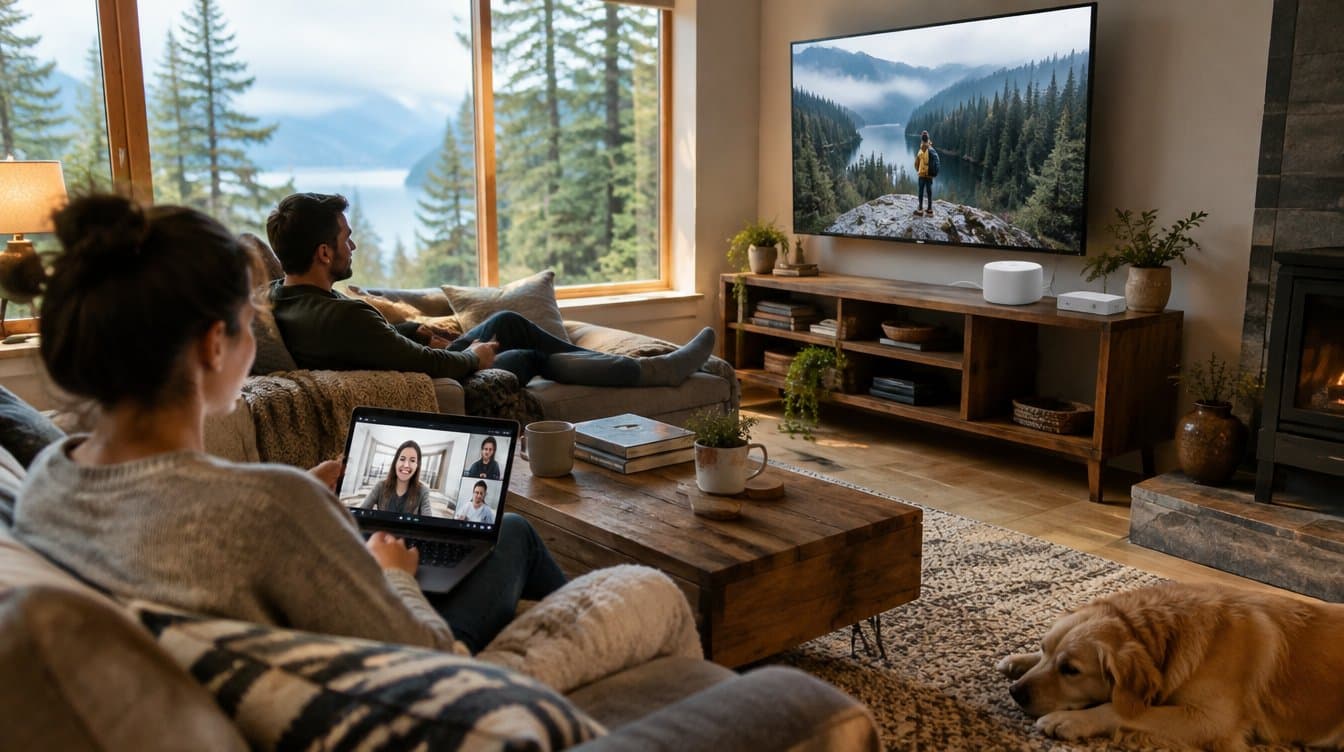
Fiber internet for Washington homes
How fiber internet compares to cable, DSL, and satellite at home
Fiber internet delivers data over glass strands as pulses of light, which is why a fiber connection holds its speed over distance and under load in ways copper cable, DSL, and satellite cannot. For a household, the practical differences show up in three places. First, upload speed: cable plans commonly pair a 300 Mbps download with a 10 to 20 Mbps upload, while SilverStar residential fiber is symmetrical, so a 1 Gbps plan uploads at 1 Gbps. That matters for video meetings, cloud backups, security camera uploads, online gaming, and anyone sending large files from home. Second, consistency: cable subscribers share bandwidth across a neighborhood node, so evening congestion is normal, whereas a fiber line to the home is not shared that way. Third, latency: fiber typically delivers single-digit to low double-digit millisecond latency, compared with the much higher and more variable latency of satellite internet, which is what makes gaming, video calls, and remote desktop feel responsive rather than laggy. If you are comparing home internet providers in Southwest Washington or on the Washington coast, those three measurements, upload speed, consistency under load, and latency, tell you more about how the connection will actually feel than the headline download number does.
Symmetrical speeds
Upload as fast as you download on every plan, so video calls, cloud backups, and camera uploads never fight each other.
No data caps
Stream, game, and work all month with no overage fees, no throttling, and no usage thresholds to watch.
Steady under load
A dedicated fiber line to your home instead of a shared neighborhood node, so 7pm performs like 7am.
Overview
Why home fiber internet from SilverStar
Most home internet problems are upload problems. Cable and DSL give you a fast download number on the bill and a thin upload path underneath it, so the moment someone joins a video call, backs up a phone, or pushes camera footage to the cloud, everything else in the house slows down. Fiber does not work that way. Upload and download are the same speed, all the time, no matter how many people are online.
SilverStar home fiber internet runs a dedicated fiber line to your house instead of a coax segment shared with the neighborhood. Speeds hold steady at 7pm the same way they do at 7am. There are no data caps, and no throttling after a usage threshold.
When something needs attention, you reach a Washington-based team that can see the fiber path to your address. Same people who engineer the network, same people who answer the phone.
Why fiber matters
Your home connection should feel invisible, fast, steady, and ready when everyone is online.
SilverStar residential fiber is built around real household demand: remote work during the day, streaming at night, cameras and smart devices around the clock, and local support when you need help.
- Symmetrical speeds, uploads as fast as downloads on every plan
- No data caps and no throttling
- Managed whole-home WiFi options for stronger room-to-room coverage
- Local Washington support from the team that runs the network
What you get
Features built around reliability
Engineered, installed, and supported by a local team, not a best-effort box.
Symmetrical speeds
Upload as fast as you download on every plan, so video calls, cloud backups, and camera uploads never fight each other.
No data caps
Stream, game, and work all month with no overage fees, no throttling, and no usage thresholds to watch.
Steady under load
A dedicated fiber line to your home instead of a shared neighborhood node, so 7pm performs like 7am.
Low latency
Single-digit millisecond response times that keep gaming, video calls, and remote desktop feeling instant.
Local support
Washington-based technicians who can see the fiber path to your address, not an offshore script.
Future-ready fiber
The fiber going in today carries multi-gigabit service tomorrow with no new construction at your house.
How much home internet speed do you actually need?
More speed is not always the answer, the right speed is. Because SilverStar fiber is symmetrical, a plan does more work at home than the same download number on a cable plan. A rough guide by household:
- 100 Mbps: a couple of people streaming HD, browsing, and taking video calls, plus a handful of smart devices
- 500 Mbps: the common fit for a family, several 4K streams, a remote worker or two, gaming, and cloud backups running in the background
- 1 Gbps: heavy households, multiple remote workers, large file uploads, many cameras, or anyone who simply never wants to think about bandwidth again
- Upload is where fiber separates from cable, a 500 Mbps fiber plan uploads roughly 25x faster than a typical cable plan at the same download tier
Whole-Home WiFi
Fast fiber to the house only helps if the signal reaches every room. Our managed whole-home WiFi blankets your space with a self-healing mesh, so the back bedroom and the garage get the same strong signal as the living room. We design it around your floor plan, install it, manage it, and tune it as your home changes.
- Mesh coverage engineered for your layout, no more dead zones
- Managed WiFi, we monitor signal health and optimize it for you
- Separate guest and smart-home networks to keep devices tidy
- Easy parental and per-device controls
- Wired backhaul options where the layout calls for it
What installation looks like
Getting connected is a scheduled appointment, not a project you manage. A local technician handles the whole path from the street to your router.
- We confirm the fiber path and serviceability at your address first
- A technician runs the fiber drop and installs the optical network terminal
- Basic installation and a basic WiFi router are included in most communities
- If you purchase a WiFi mesh system, it is configured and tested room by room
Why SilverStar
Engineered locally, supported locally
The same team that designs and installs your connection is the one that answers when you call.
25+ years
Decades of fiber engineering across the Pacific Northwest.
Our own network
We engineer and operate the path, so support can actually see your circuit.
Local support
Northwest-based people who know your setup, not a script.
Residential communities served
Where we serve homes
Residential fiber internet is available in these Washington communities. Serviceability is confirmed address by address.
Residential fiber communities· 15
Reviews
Why customers trust SilverStar
Homes and businesses across the Northwest rely on SilverStar fiber for speeds that hold up, local support, and a connection that keeps working after installation day.
CEO, CPA Firm
“Silver Star designed and installed our phone system end to end, and the support behind it has been outstanding. When we need something, they're responsive and they get it right.”
Executive Manager, City Government
“They brought fiber and hosted voice to all five of our sites and the upgrade has been rock solid. It's been a reliable backbone for the city's day-to-day operations.”
VP of IT, Shoe Manufacturer
“Silver Star is our primary data provider across both corporate and manufacturing. The service has been extremely reliable, exactly what we need to keep operations running.”
Featured insights
Practical guidance for better networks
Fresh articles from the SilverStar team on choosing, sizing, and getting the most out of an internet connection.
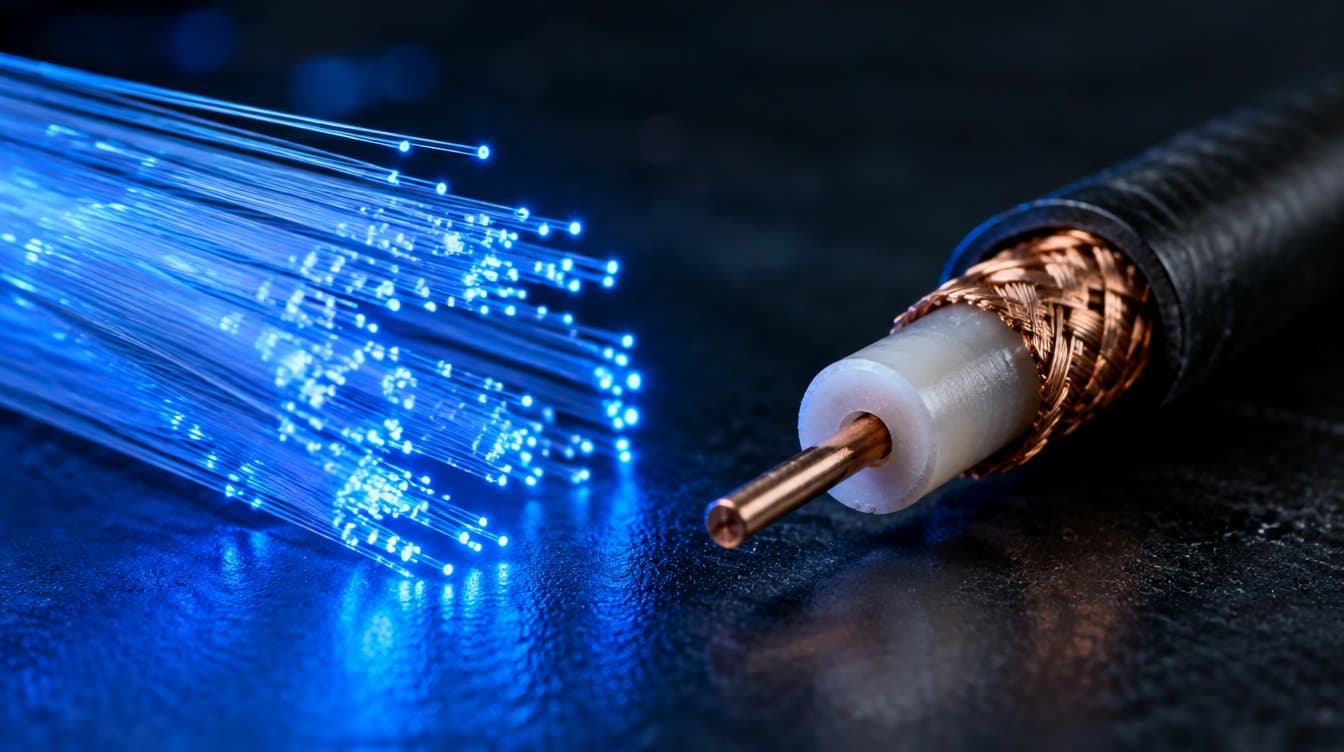
Fiber vs. Cable Internet: What Actually Matters
Download speed is the number on the ad. Symmetry, congestion, and latency are the three that decide how the connection actually feels. Here's how to tell them apart.
Read article →
Why Upload Speed Matters More Than You Think
Most internet plans give you a fast download and a thin upload. Here's the list of everyday things that run on the upload side, and what happens when it runs out.
Read article →
How Much Internet Speed Does Your Home Actually Need?
Buying more speed than you need is a common and expensive mistake. Here's a practical way to size a home internet plan around how your household really uses it.
Read article →FAQ
Home Fiber Internet, questions answered
Common questions about this service. Don't see yours? Send us your address and we'll answer it directly.
- Is SilverStar fiber internet available at my address?
- Availability is address by address within our Washington service area, which includes Southwest Washington and communities along the Washington coast. Send us your address and we will confirm serviceability and the fastest path to getting connected.
- Are there data caps on residential fiber?
- No. There are no data caps, no overage fees, and no throttling after a usage threshold. Stream, game, back up, and work from home as much as you want.
- What internet speeds are available for my home?
- Plans generally run from 100 Mbps up to 1 Gbps depending on your community, and every tier is symmetrical, so the upload speed matches the download speed. We will tell you exactly which tiers are available at your address.
- Is fiber internet better than cable internet?
- For most households, yes, and the reason is upload speed and consistency. Cable is asymmetrical, so a fast download is paired with a much slower upload, and bandwidth is shared with your neighborhood, which is why cable often slows in the evening. Fiber is symmetrical and is not shared that way.
- Why does symmetrical upload speed matter at home?
- Anything that sends data out of your house depends on upload: video calls, cloud backups, security camera footage, online gaming, remote desktop, and sharing large files. On a typical cable plan those all compete for a thin upload path. On fiber they do not.
- Is fiber internet good for gaming?
- Yes. Gaming is more sensitive to latency and jitter than to raw speed, and fiber typically delivers single-digit millisecond latency with very little variation. That is what keeps a session responsive instead of laggy, especially when other people in the house are streaming.
- How much internet speed do I need at home?
- A couple of people streaming and taking calls are comfortable at 100 Mbps. A typical family with 4K streaming, remote work, and gaming fits well at 500 Mbps. Choose 1 Gbps for heavy households, multiple remote workers, or large uploads. Because SilverStar fiber is symmetrical, each tier does more work than the same download number on cable.
- Do I need a new router for fiber internet?
- It depends on your current equipment and the speed you choose. Older routers often cannot pass gigabit speeds or cover a whole house. Basic installation includes a basic WiFi router in most communities, and we can design managed mesh WiFi if your layout needs it.
- Can SilverStar fix weak WiFi in parts of my house?
- Yes. Fast fiber to the house does not help in a room the signal cannot reach. We design managed whole-home mesh WiFi around your floor plan and device count, install it, and tune it so bedrooms, offices, garages, and shops get a consistent signal.
- How long does fiber internet installation take?
- Most standard residential installations are completed in a single scheduled appointment. A technician runs the fiber drop, installs the optical network terminal, configures your router, and tests speeds before leaving. If your address needs construction first, we will tell you that up front.
- Who supports my service after installation?
- A Washington-based team that can see the fiber path to your address. The same people who engineer and install the network answer the phone, so you are not routed through an offshore script.
Ready when you are
See what's available at your address
Check availability at your address and see what fiber can do.